Steam Deck Unifideck Plugin Enables Offline Xbox Game Pass Gaming
New Decky Loader Plugin Transforms Steam Deck Game Pass Experience
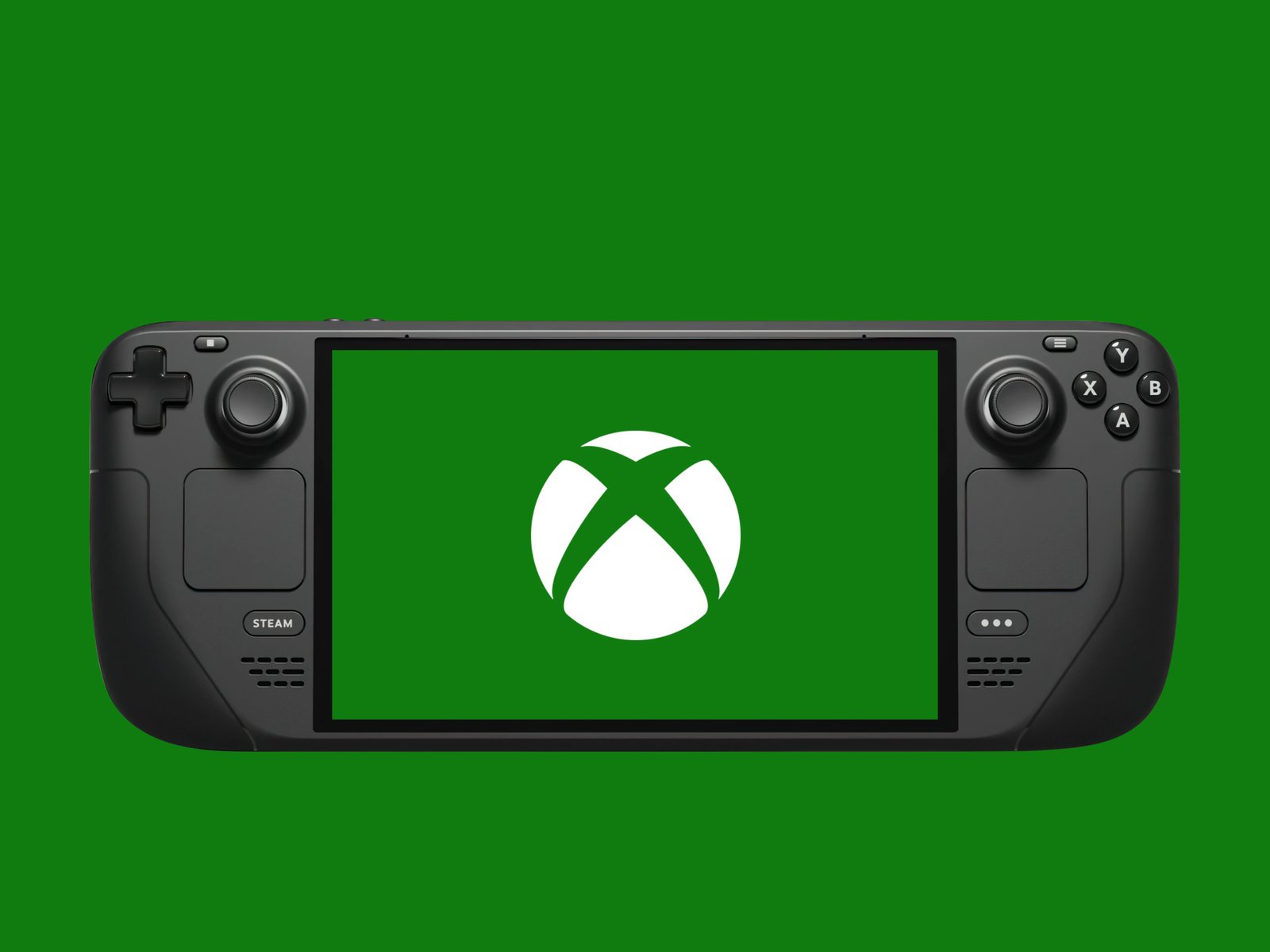
The Valve Steam Deck community has reached a significant milestone with the Decky Loader plugin Unifideck. This innovative tool now allows owners of the Valve Steam Deck OLED and original Steam Deck LCD models to download PC Game Pass titles directly and run them locally on the handheld gaming PC. For the first time, subscribers to Microsoft Xbox Game Pass Ultimate can access their library without relying on cloud streaming or installing Microsoft Windows on the device.
How Unifideck Works on Steam Deck Hardware
Unifideck integrates with the Decky Loader plugin ecosystem, which has become a cornerstone of Steam Deck customization. The plugin leverages the Steam Deck’s AMD APU architecture and Linux-based SteamOS to create a compatibility layer for Xbox Game Pass PC titles. Unlike previous solutions that required streaming via Xbox Cloud Gaming or dual-booting Windows 11 on the Steam Deck, Unifideck downloads game files directly to the NVMe SSD storage. This means players can enjoy titles like Starfield, Forza Horizon 5, and Halo Infinite natively on the Steam Deck 7-inch display or when docked to an external monitor.
Experimental Status and Current Limitations
The developers emphasize that this feature remains experimental. Not every Xbox Game Pass PC title will run perfectly on the Steam Deck hardware. Anti-cheat implementations in competitive multiplayer games often prevent launch on Linux-based systems. Games with aggressive DRM or specific Windows dependencies may also encounter issues. The Unifideck team maintains a compatibility database that tracks which titles from the Xbox Game Pass catalog function correctly on Valve Steam Deck devices.
Advantages Over Cloud Streaming and Windows Installation
Running Xbox Game Pass games locally on the Steam Deck offers several advantages over alternative methods. Cloud streaming requires a stable high-speed internet connection and introduces input latency that affects competitive play. Installing Windows on Steam Deck consumes valuable storage space, reduces battery life, and lacks official driver support from Valve. Unifideck preserves the native SteamOS experience while expanding the game library significantly. Players can suspend and resume games instantly using the Steam Deck sleep function, a feature unavailable when streaming.
Installation Requirements for Steam Deck Users
To use Unifideck, Steam Deck owners must first install Decky Loader from the official plugin store. The process requires accessing the Steam Deck desktop mode and running a terminal command. An active Xbox Game Pass Ultimate or PC Game Pass subscription is mandatory. The plugin then authenticates with Microsoft services to access the game catalog. Storage requirements vary by title, with modern AAA releases often exceeding 100 GB on the Steam Deck 512 GB or 1 TB models. Users with the 64 GB eMMC Steam Deck may need a microSD card for larger installations.
Future Development and Community Impact
The Unifideck project represents a growing trend of community-driven enhancements for the Steam Deck platform. Valve’s open approach to SteamOS has enabled developers to create tools that extend functionality beyond the official feature set. As compatibility improves, this plugin could make the Steam Deck the definitive handheld device for Xbox Game Pass subscribers. The project also highlights the potential for Linux gaming to support subscription services without proprietary operating systems. Regular updates address bugs and expand the list of playable titles from the Xbox Game Pass library.