Android Auto Raises Minimum OS to Android 11: Which Phones Are Still Supported
What the New Android Auto Requirements Mean
Google has raised the minimum operating system version for Android Auto to Android 11, also known as Red Velvet Cake. This change removes official support for devices still running Android 9 or Android 10. If your phone is stuck on one of those older versions, you may start seeing warning messages that Android Auto will no longer be available.
Which Phones Are Affected?
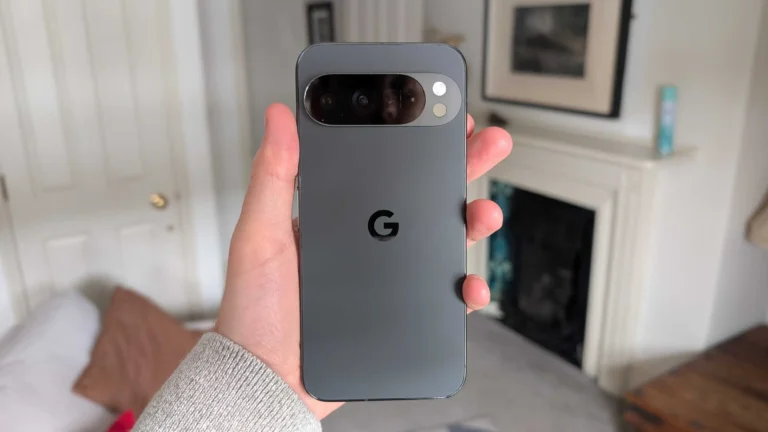
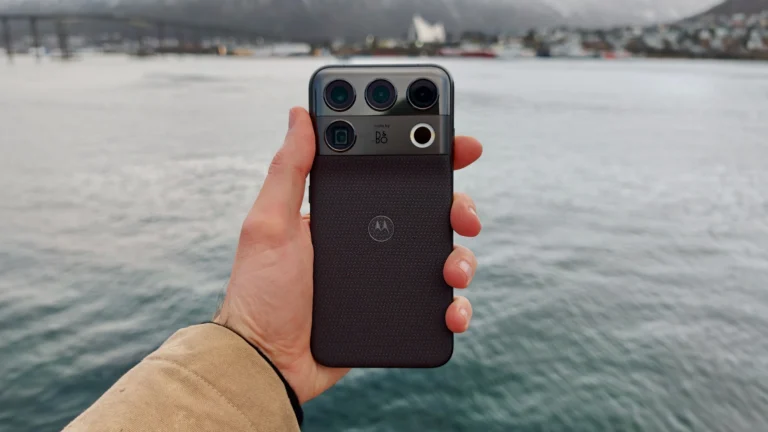
Popular flagship models such as the Samsung Galaxy S25, Google Pixel 8, OnePlus 12 and Motorola Edge 40 all ship with Android 13 or newer, so they remain fully compatible. Mid‑range devices like the Xiaomi Mi 14, which launched with Android 12, also meet the new threshold. However, older handsets – for example the Samsung Galaxy S21 running Android 10, the Google Pixel 5 on Android 11 but without the latest security patch, or the OnePlus 9 still on Android 10 – will lose official support unless they receive an update to Android 11 or higher.
Will Android Auto Stop Working Immediately?
The Android Auto app version 18.1 still runs on Android 10, so many users will continue to use the service for a short period. Google has not announced a hard cut‑off date, but the lack of future updates means that new features, bug fixes and security patches will no longer be delivered to unsupported phones. Over time, compatibility with newer car head‑units may degrade.
How to Check Your Android Version
Open your phone’s Settings, then navigate to About phone and look for Software information. The Android version is listed there. If you see Android 9 or Android 10, you are below the new requirement.
Can You Upgrade Without Buying a New Device?
Many manufacturers still provide OTA updates for a few years after launch. Go to Settings > System > Software Update and trigger a check. If an Android 11 or Android 12 update is available, install it and you will regain Android Auto support. Some users simply have automatic updates turned off, so enabling them can solve the problem.
When an Update Isn’t Available
If your device no longer receives official updates, you have a few options. First, consider installing a custom ROM that is based on Android 11 or newer, but be aware that this may void warranties and could affect stability. Second, you might switch to a compatible Android Auto alternative such as Android Automotive OS built into certain car models, though this requires a compatible head‑unit. Finally, upgrading to a newer handset – for example moving from a Samsung Galaxy S21 to the Samsung Galaxy S25 or from a Google Pixel 5 to the Google Pixel 8 – ensures long‑term compatibility and access to the latest Google services.
What to Expect Going Forward
Google’s roadmap shows Android 17 as the current version, so Android 11 is already several generations old. The new requirement encourages users to stay on supported software, which improves security and performance. If you are planning a phone upgrade in the near future, use this change as a reminder to choose a device that receives regular updates, such as the Samsung Galaxy S25, Google Pixel 8 or OnePlus 12.
Bottom Line
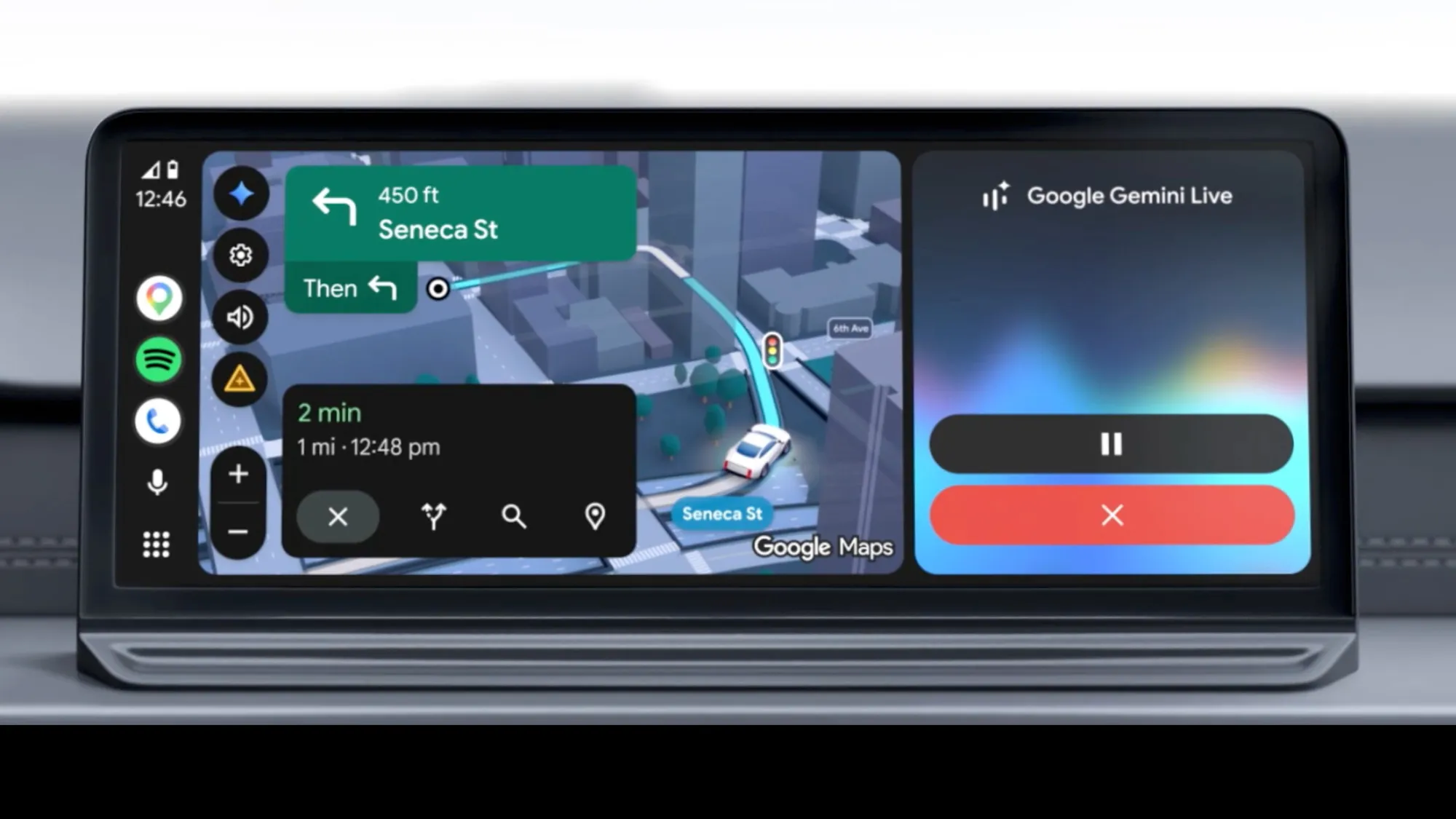
Android Auto will continue to work on older phones for a limited time, but official support now ends at Android 11. Check your software version, run any pending updates, and consider a handset upgrade if no update is available. Staying on a supported version ensures you can keep using navigation, music and messaging on your car’s infotainment screen without interruption.